Google Ads: The Ultimate Guide to Driving Instant Traffic, Leads, and Sales
Google Ads puts your business instantly in front of customers who are actively searching to buy. Unlike SEO (which takes time), Google Ads can start generating traffic, leads, and sales the same day you launch—if you set it up correctly.
This complete guide walks you through what Google Ads is, how it works, which campaign type to choose, and how to build high-performing ads that don’t waste budget.
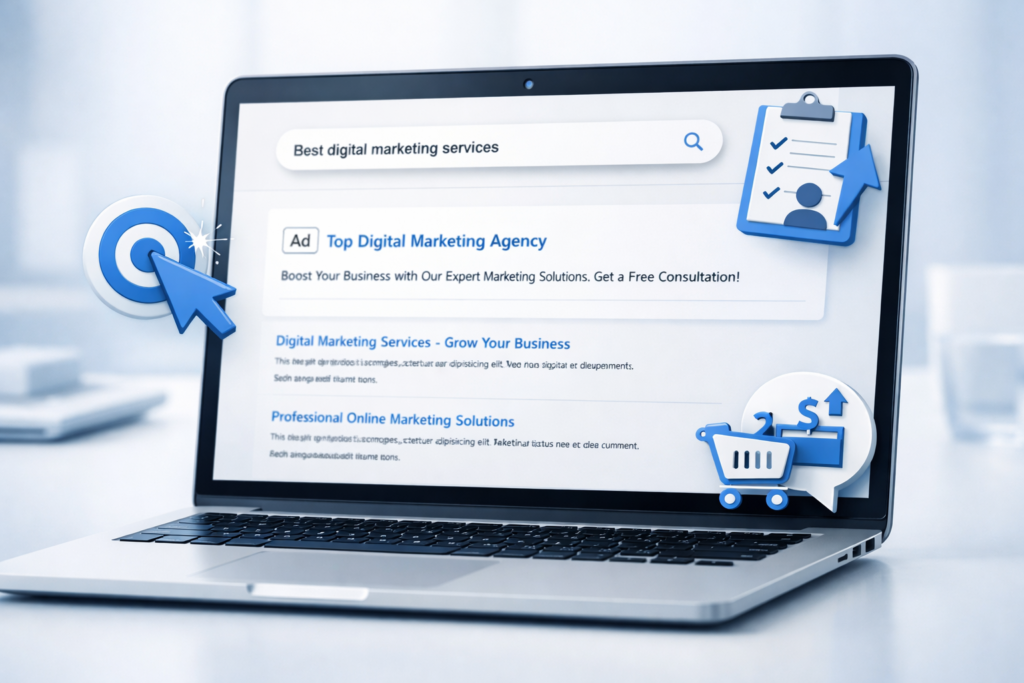
What Is Google Ads and Why It Works So Well
Google Ads is Google’s paid advertising platform that lets you show ads across:
Google Search (text ads on top of search results)
YouTube (video ads)
Google Display Network (banner/image ads on websites and apps)
Gmail (promotional placements)
Google Shopping (product listings for e-commerce)
Performance Max (automation-driven ads across multiple Google channels)
The reason Google Ads is so powerful is intent. When someone searches “best orthodontist near me” or “buy running shoes online,” they’re not browsing—they’re looking to act. Your job is to appear at that moment with the right message and a smooth next step.
How Google Ads Works (In Simple Words)
Google Ads runs on an auction system. Every time someone searches a keyword, Google quickly decides:
Which ads can appear
In what order
How much each click might cost
But it’s not “highest bidder wins.” Google cares about user experience, so it uses two major factors:
1) Your Bid
The maximum amount you’re prepared to spend for a single click or conversion.
2) Quality Score (and Ad Rank)
Quality includes:
Expected click-through rate (CTR)
Ad relevance (does your ad match the search?)
Landing page experience (is your page useful and fast?)
A strong ad + strong landing page can often beat competitors with bigger budgets.

Key Google Ads Terms You Must Know
Before launching campaigns, understand these essentials:
Keyword: The word/phrase users search (e.g., “dentist in Delhi”)
Search Intent: Why they’re searching (buy, compare, learn, find a service)
CPC (Cost Per Click): The amount you’re charged each time someone clicks your ad.
CTR (Click Through Rate): Clicks ÷ impressions
Conversion: A valuable action (lead form, call, purchase, WhatsApp click)
CPA (Cost Per Acquisition): Cost to get one conversion
ROAS (Return on Ad Spend): Revenue ÷ ad spend (mainly e-commerce)
If you only track clicks and not conversions, you’ll never know what’s working.
Which Google Ads Campaign Type Should You Choose?
Different goals need different campaign types. Here’s a clear breakdown:
1) Search Campaigns (Best for Leads + High-Intent Sales)
Search ads show when someone actively searches. These usually deliver the highest-quality leads because intent is strongest.
Use Search Ads when:
You offer services (salon, clinic, agency, coaching)
You sell high-intent products
You want fast lead generation
2) Performance Max (Best for Scale + Automation)
Performance Max delivers your ads across Search, YouTube, Display, Gmail, and Discover using Google’s automation. It can work extremely well when conversion tracking is solid.
Use PMax when:
You have e-commerce or lots of conversions
You can feed Google good data (purchases/leads)
You want broader reach with optimization
3) Display Campaigns (Best for Awareness + Remarketing)
Display ads are banners on websites/apps. Great for remarketing (bringing back visitors who didn’t convert).
4) YouTube Campaigns (Best for Branding + Demand Generation)
Ideal when you want awareness, trust, and product discovery—especially for newer brands.
5) Shopping Campaigns (Best for E-commerce)
Product listings with price, image, and reviews. Powerful for online stores, but requires a well-managed product feed.

Step-by-Step: How to Set Up a Google Ads Search Campaign (That Actually Performs)
Step 1: Define Your Goal (Don’t Skip This)
Pick one primary goal:
Calls
Form submissions
WhatsApp clicks
Purchases
Store visits
Your campaign structure, bidding, and landing page depend on the goal.
Step 2: Choose the Right Keywords
Start with high-intent keywords:
“buy”
“price”
“near me”
“book”
“service”
“best”
“quote”
Example for a digital marketing agency:
“google ads agency”
“ppc services near me”
“performance marketing agency”
“google ads management cost”
Pro tip: Don’t start too broad. Broad keywords burn budget fast unless you’re experienced with negative keywords and smart bidding.
Step 3: Use Match Types Strategically
Exact Match: Tight targeting, higher quality
Phrase Match: Balanced reach + control
Broad Match: Wider reach; use carefully, ideally with strong conversion data
For most new accounts: start with Exact + Phrase, then expand.
Step 4: Write Ads That Match Intent
A high-performing search ad usually includes:
The keyword in the headline
A strong benefit (fast, affordable, proven, trusted)
A clear call-to-action (Book Now, Get Quote, Call Today)
Trust boosters (reviews, years, guarantees)
Example Ad Copy (Service Business):
Headline ideas:
Google Ads Management for Fast Leads
Get More Sales with PPC Experts
Certified Google Ads Agency
Descriptions:
Launch high-converting campaigns with tracking + landing page optimization.
Book a free strategy call. Transparent pricing. Weekly reporting.
Step 5: Add Extensions (They Increase CTR)
Use ad assets like:
Sitelinks (Services, Pricing, Contact, Case Studies)
Callouts (No Contracts, Weekly Reports, 24/7 Support)
Structured snippets (Services: SEO, PPC, SMM, Web Design)
Call extension (for direct calls)
Location extension (if you have a physical location)
Extensions improve your ad size and credibility—often lowering CPC.

Landing Pages: The Hidden Key to Cheaper Leads
Many advertisers focus only on ads—but Google also judges your landing page experience. If your landing page is weak, you’ll pay more and convert less.
A high-converting landing page should have:
A clear headline matching the ad promise
One primary CTA (Call / Form / WhatsApp)
Social proof (reviews, testimonials, logos)
Fast loading speed (especially mobile)
Simple form (name + phone + requirement is often enough)
Clear offer (free audit, discount, consultation, demo)
Rule: Don’t send paid traffic to a generic homepage. Use a dedicated landing page per service.
Conversion Tracking: If This Isn’t Set Up, You’re Guessing
If you want real performance, track conversions properly:
Lead form submissions (thank-you page or event tracking)
Calls from ads
Calls from landing page
WhatsApp button clicks
Purchases (with revenue)
Once Google sees conversion data, it can optimize toward better leads, not just more clicks.
Smart Bidding vs Manual Bidding: What Should You Use?
Manual CPC: Good for control, but requires constant management
Maximize Conversions: Great when tracking is correct
Target CPA: Best when you have conversion history
Maximize Conversion Value / Target ROAS: Best for e-commerce with revenue tracking
Best practice for beginners:
Start with Maximize Conversions (after tracking is confirmed), then move to Target CPA once you have stable data.

The Most Common Google Ads Mistakes (And How to Fix Them)
Mistake 1: Targeting Broad Keywords Without Negatives
Fix: Build a negative keyword list (free, job, course, meaning, pdf, cheap if not relevant).
Mistake 2: Sending Traffic to Slow or Generic Pages
Fix: Create fast landing pages built for one goal.
Mistake 3: Not Filtering Locations Properly
Fix: Use location targeting correctly and exclude irrelevant areas.
Mistake 4: Measuring Only CPC Instead of CPA/ROAS
Fix: Track conversions and optimize around cost per lead or return.
Mistake 5: Running Too Many Things at Once
Fix: Start simple. One campaign, tight keywords, strong landing page, clean tracking.
How to Scale Google Ads for More Leads and Sales
Once you find a profitable setup, scale in a controlled way:
Increase budget gradually (10–25% every few days)
Expand keyword coverage (add new high-intent queries)
Build remarketing (Display/YouTube to re-engage visitors)
Test new landing pages (headline, offer, CTA, form length)
Segment campaigns (separate by service, location, or intent)
Scaling is not just spending more—it’s improving what converts.
Quick Optimization Checklist (Use This Weekly)
Pause keywords with high spend and no conversions
Add negatives from Search Terms report
Improve ad relevance (keyword ↔ ad ↔ landing page match)
Test new headlines and value propositions
Check mobile speed and form performance
Review conversion quality (are leads real and relevant?)

Final Thoughts: Why Google Ads Is Still the Fastest Growth Lever
Google Ads can be your most reliable channel for instant results—when it’s built with strategy. The winning formula is simple:
High-intent keywords + relevant ads + a strong landing page + accurate conversion tracking.
If you get these four pieces right, Google Ads stops being “ad spend” and becomes a predictable growth engine.
Want an extra bonus?
Here are 3 high-converting offers you can use to improve lead quality:
Free 15-minute strategy call
Free account audit + quick wins report
Limited-time setup fee waiver (for serious buyers)

